
Configuring Secure File Transfer Protocol (SFTP) allows you to store your backups in a remote SFTP server. This gives you access to the backup files even after the API server deletes them.
Once you install Director Console using the install-dc command, you can configure SFTP next. You can also configure SFTP any time after installing Director Console using the following command in Director Console API as cmdr-admin:
sftp-configure

SFTP Configuration
Enter the SFTP server IP Address.
Enter the User Name and the Password for the SFTP server.
Click Submit.
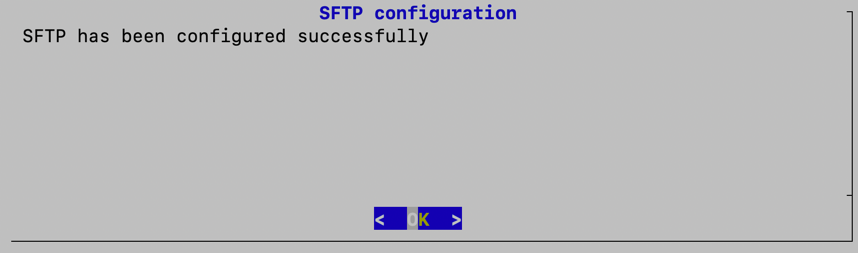
Successful SFTP Configuration
Click OK.
Note
Configuring SFTP in the API server updates the SFTP configuration in the Director Console UI, and vice-versa.